SUPERVISOR
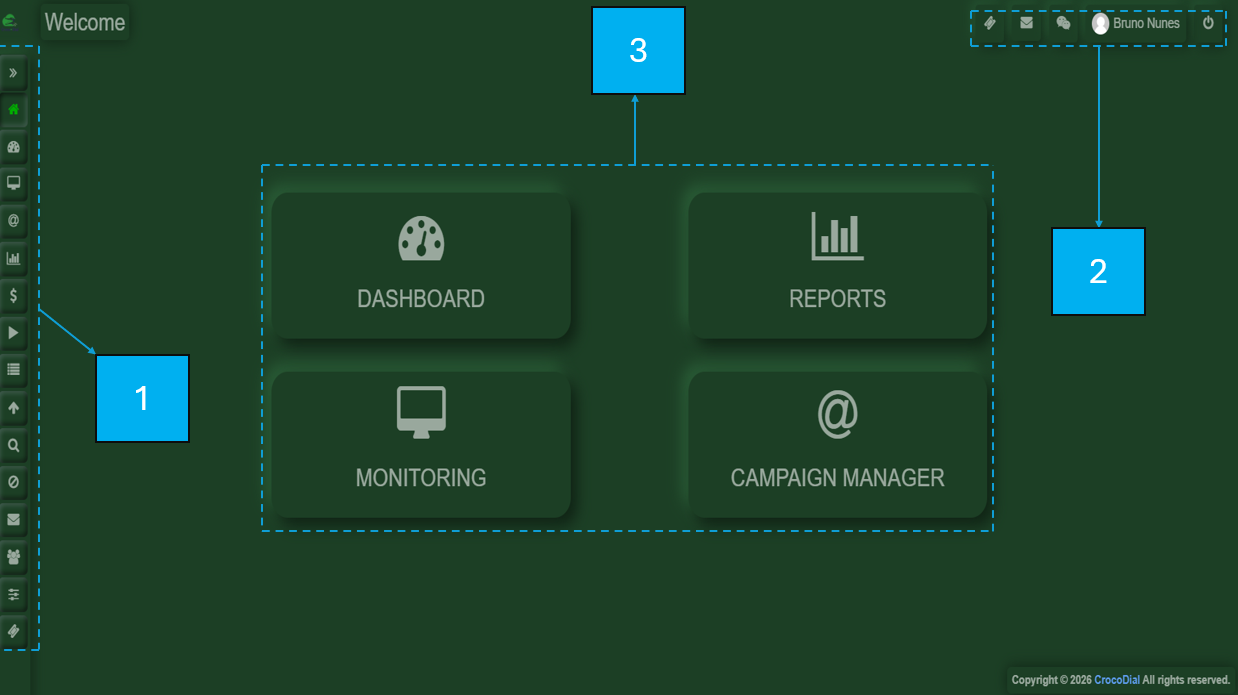
The supervisor view is divided in the following areas:
1-On the left-hand side, there is a menu bar.
2-On the upper-right side, you will find a compact options panel for your profile, logout, tickets, voiceline, and chat.
3-In the central section, the selected menu option will be displayed.