List of Campaigns
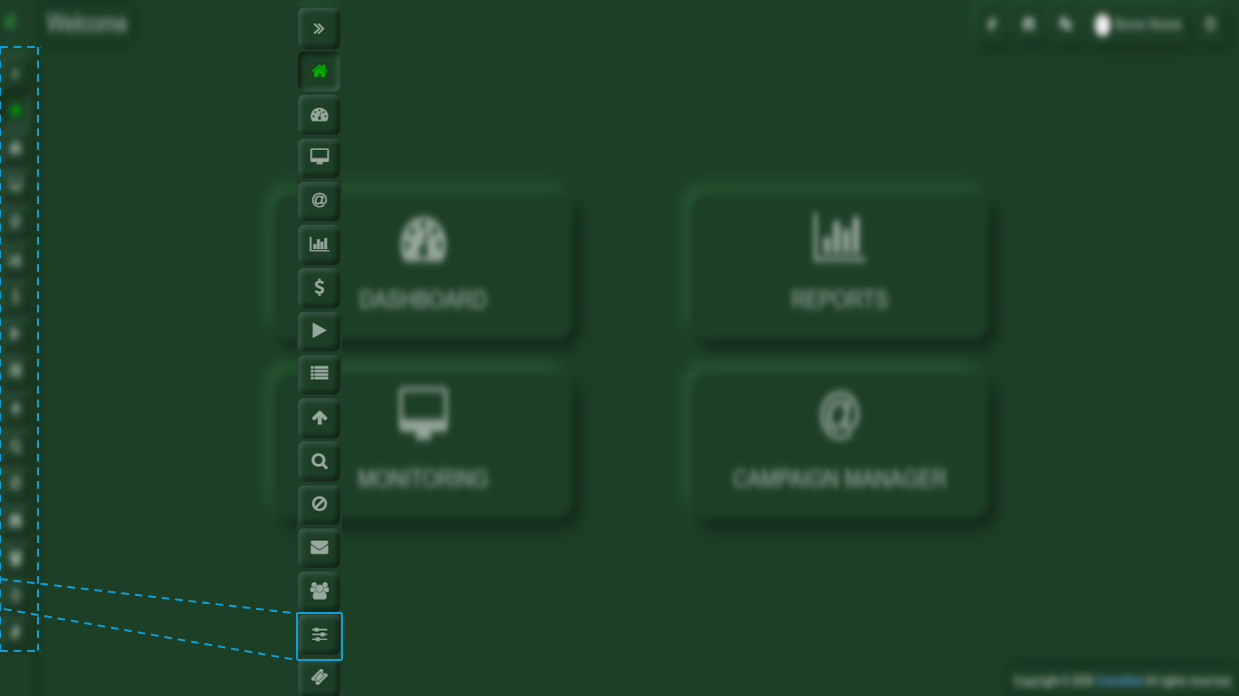
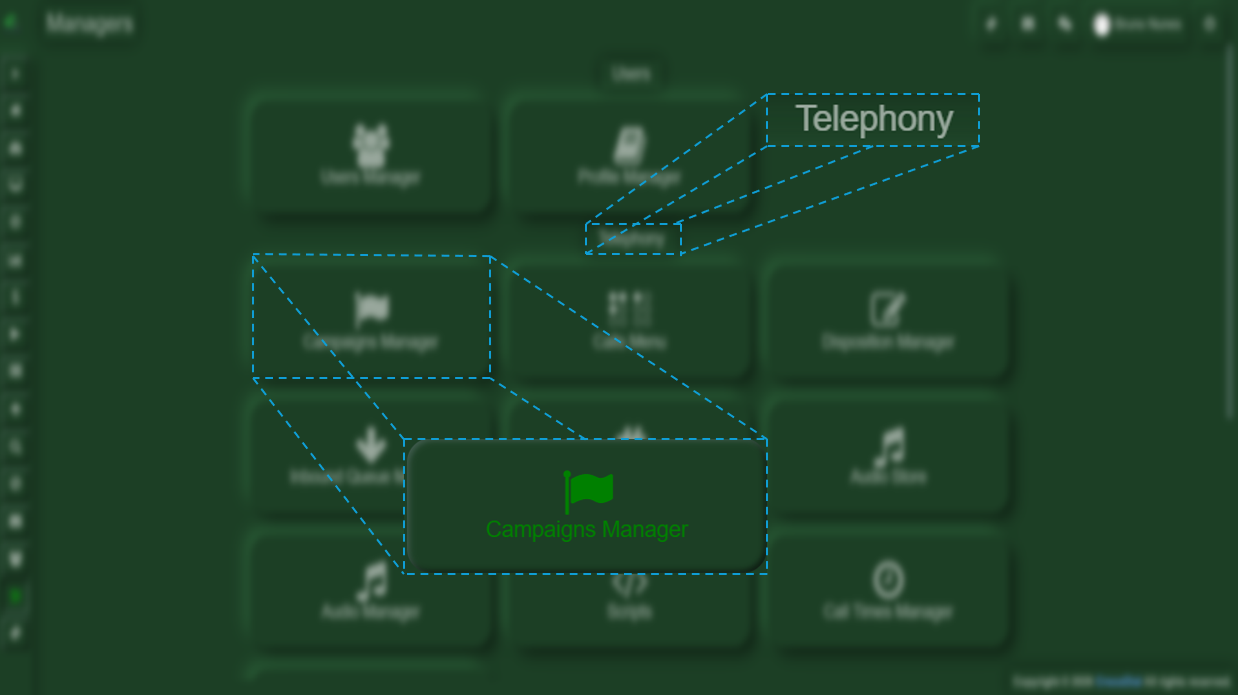
Once you are inside Crocodial, you will see the menu bar on the left-hand side. In this bar, you will find the Manager option. Upon selecting it, a menu with various options will be displayed.
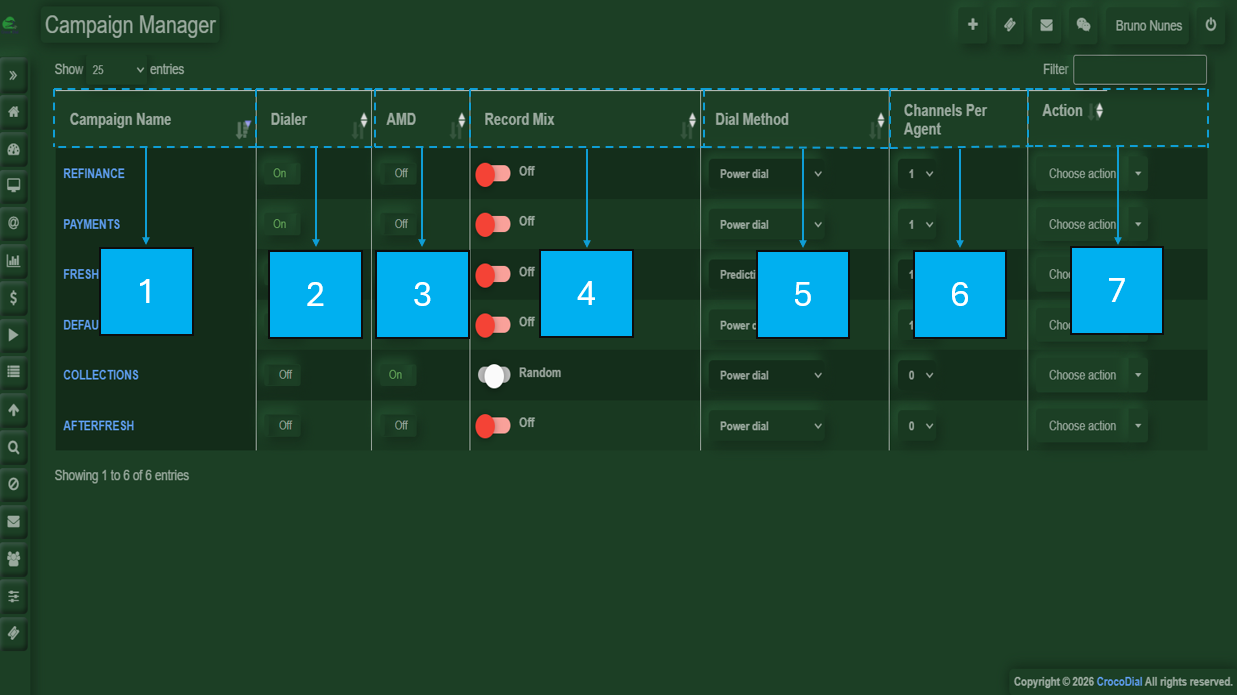
- Campaign Name: The names will appear in blue; when selected, they will redirect you to the campaign settings.
- Change Dialer Method: Allows you to modify the dialing method used for the campaign.
- Turn On Dialer
- Turn Off Dialer
- AMD
- turn On AMD
- trun Off AMD
-
Record Mix: Allows you to manage or enable call recording settings.
-
Turn On Record Mix
- Switch to Random Record Mix
- Switch Even Record Mix
-
-
Dial Method: Defines the dialing strategy used by the system.
- Switch to Power Dial
- Switch to Inbound/Preview
- Switch to Predictive
- Channels per Agent: Defines the number of simultaneous call channels assigned to each agent.
-
Action: Provides available actions to manage or modify the campaign settings, there, you will select the option that has been specified according to the corresponding campaign.