Scheduling and Time Windows
This section defines when the campaign is allowed to run, ensuring that calls are made only within the configured time frames.
- Campaign Start/End Dates
Defines the period during which the campaign will be active. Outside of these dates, no calls will be executed. - Daily Calling Windows
Specifies the hours of the day when calls can be made, helping control operations within allowed time ranges.
How to configure the campaign schedule.
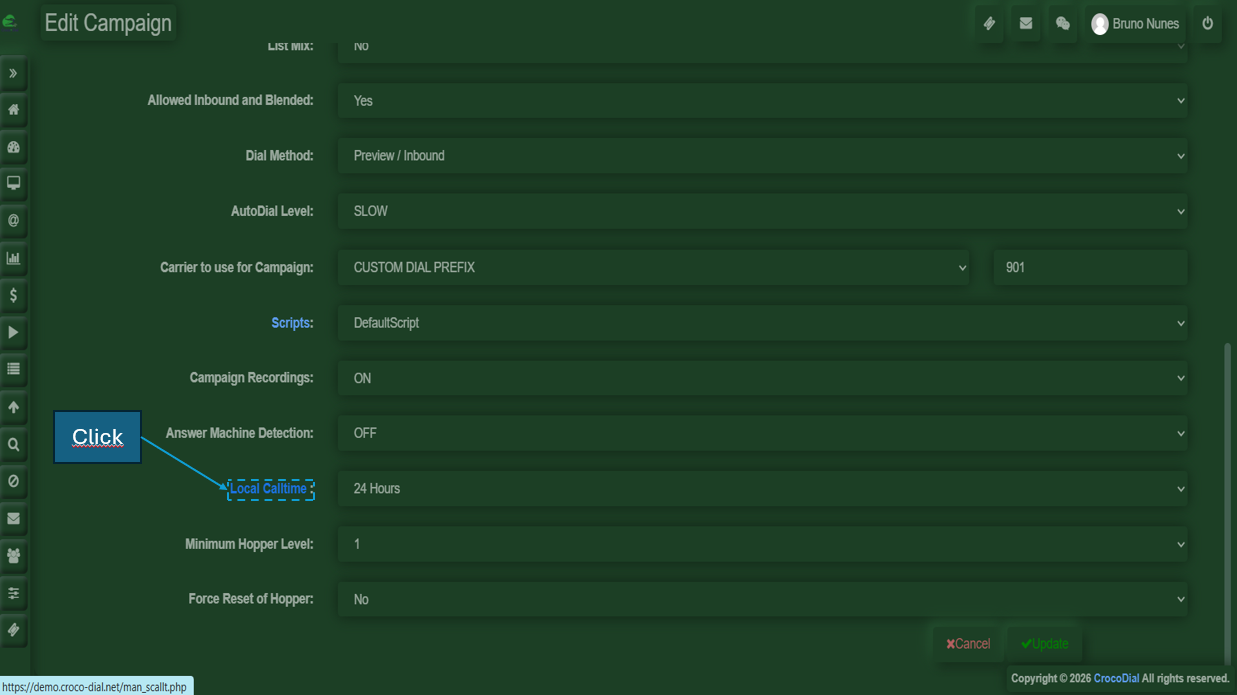
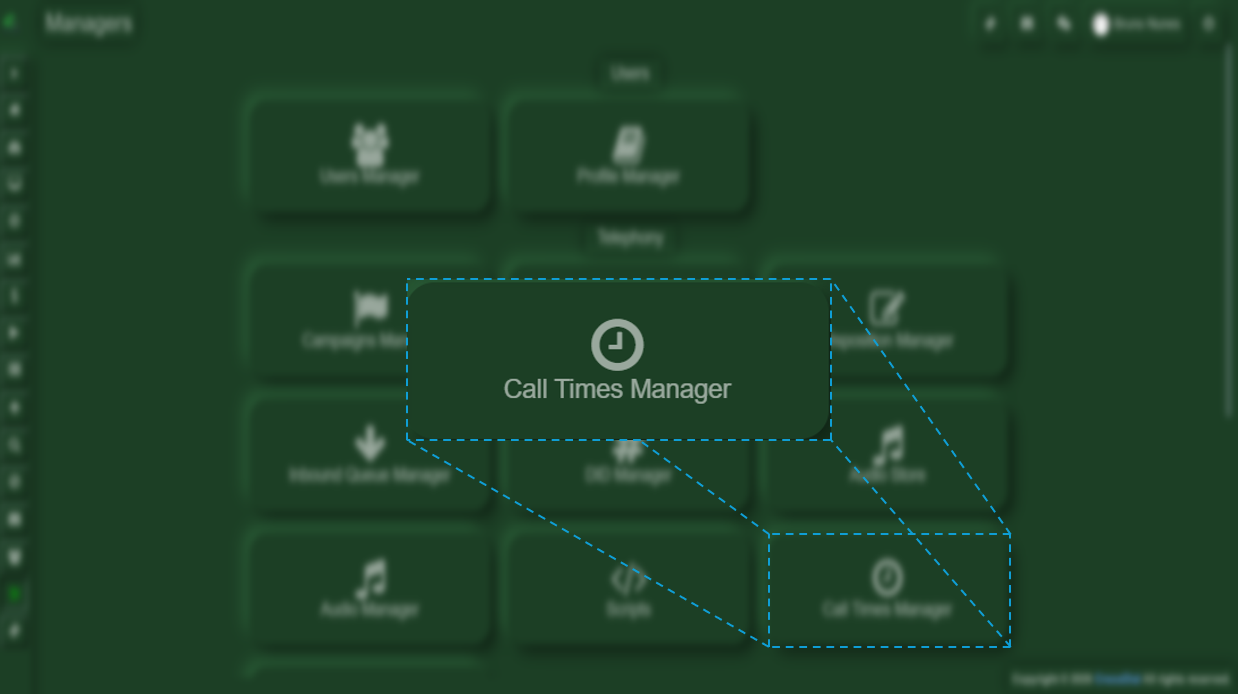
To modify or create a schedule for the campaign, you will need to edit the campaign and click on the blue text under the “Local Calltime” section, or access it through Managers → Telephony → Call Times Manager.
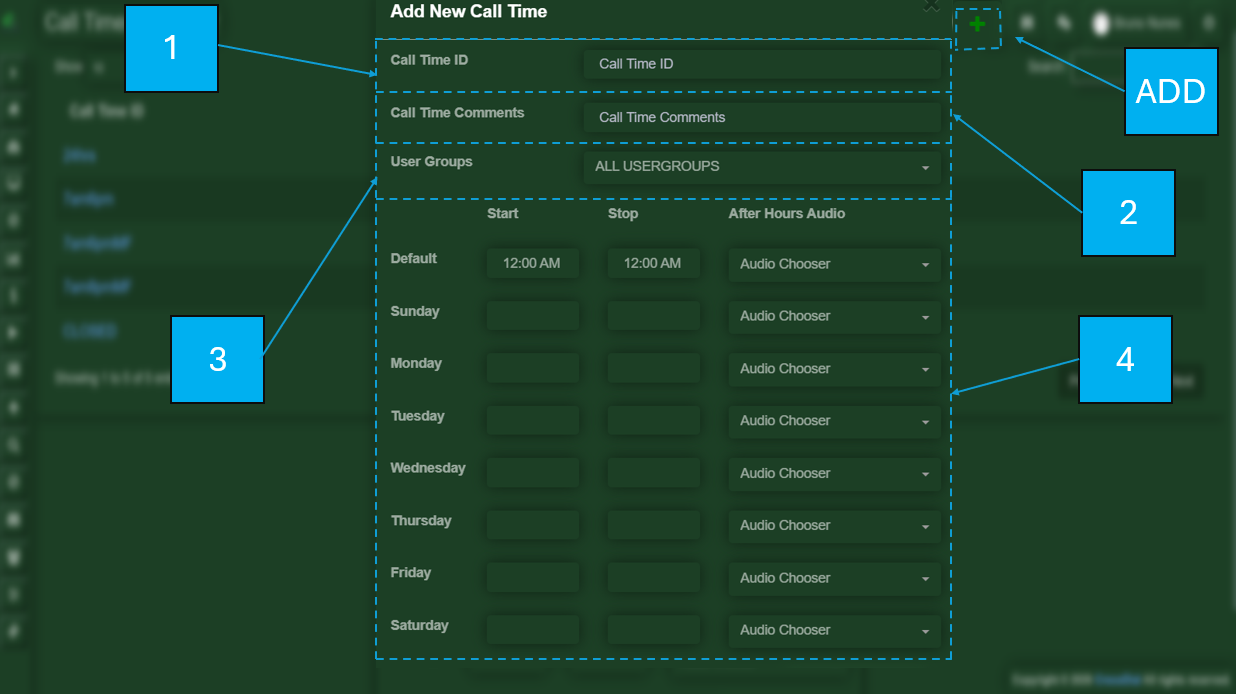
Add:
- Call Time ID
- Call Time Comments
- User Groups
- Days to which it will be applied
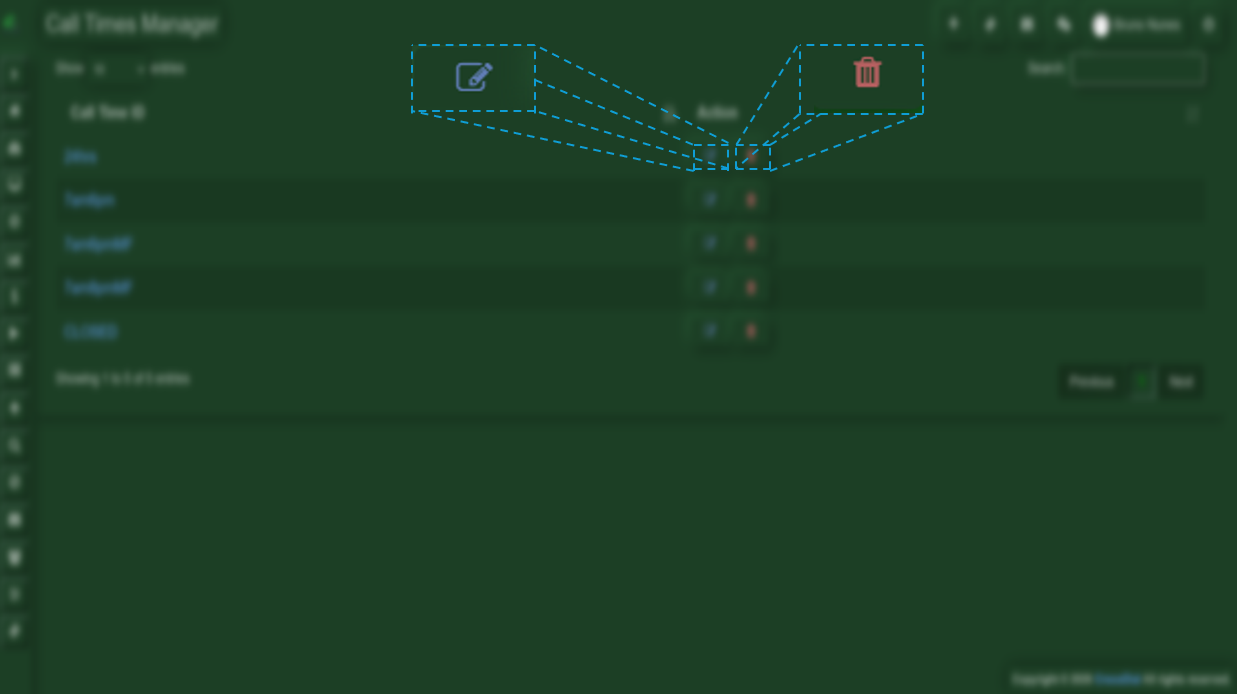
2 - Delete
3 - Edit
Delete and Edit