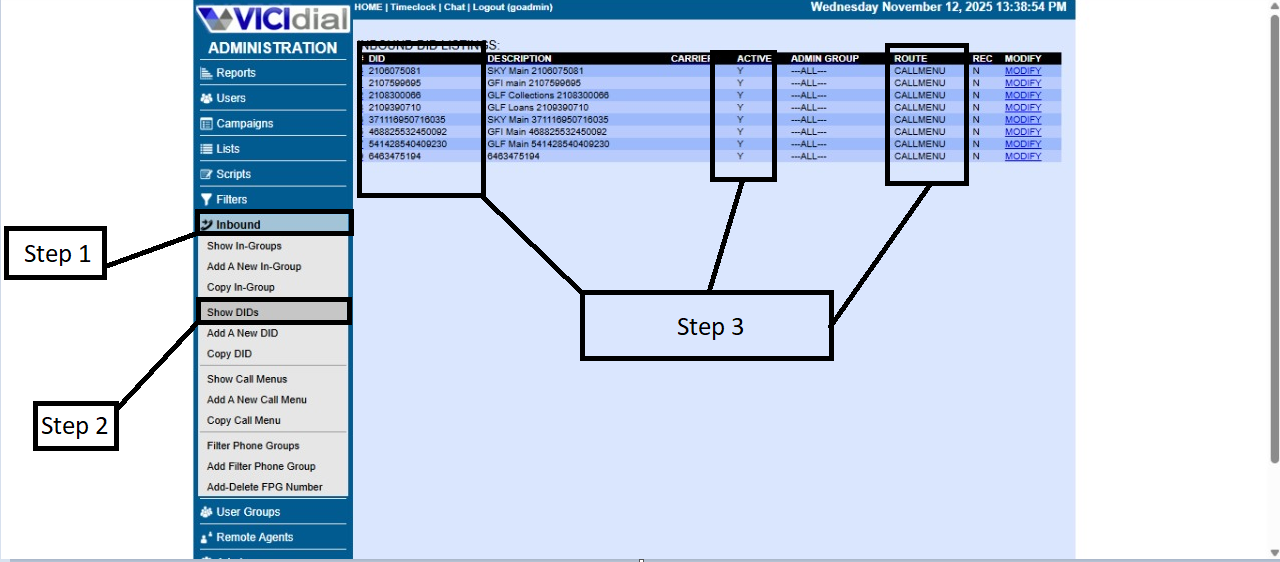
How to add DIDs to the server
primeroFirst, tendrasyou quewill ingresarneed ato laaccess aplicacionthe deTerminus terminus,application. yaOnce adentroinside, tendrasadd queor agregaropen othe abrirserver elto servidorwhich athe elDIDs cualwill sebe le agregaran los DIDs.assigned.
advertencia:Warning: recuerdaMake tenersure elthe respectivocorresponding VPN activadois activated before proceeding.
yeOnce estandoyou dentroare dein lathe terminalserver delterminal, servidoryou tendrasmust queverify verificarthat quethe existanregistration lasstrings cadenasexist. deTo registrodo ythis, paraenter hacerlothe tendrasfollowing quepath ponerin esta Ruta en lathe terminal:
los
After queentering sethis anpath, echo,you enshould casosee dethe queexisting registration records.
If no existanrecords deberanare crearse(porfound, favorthey notificarmust albe equipo)created (please notify the team in this case).
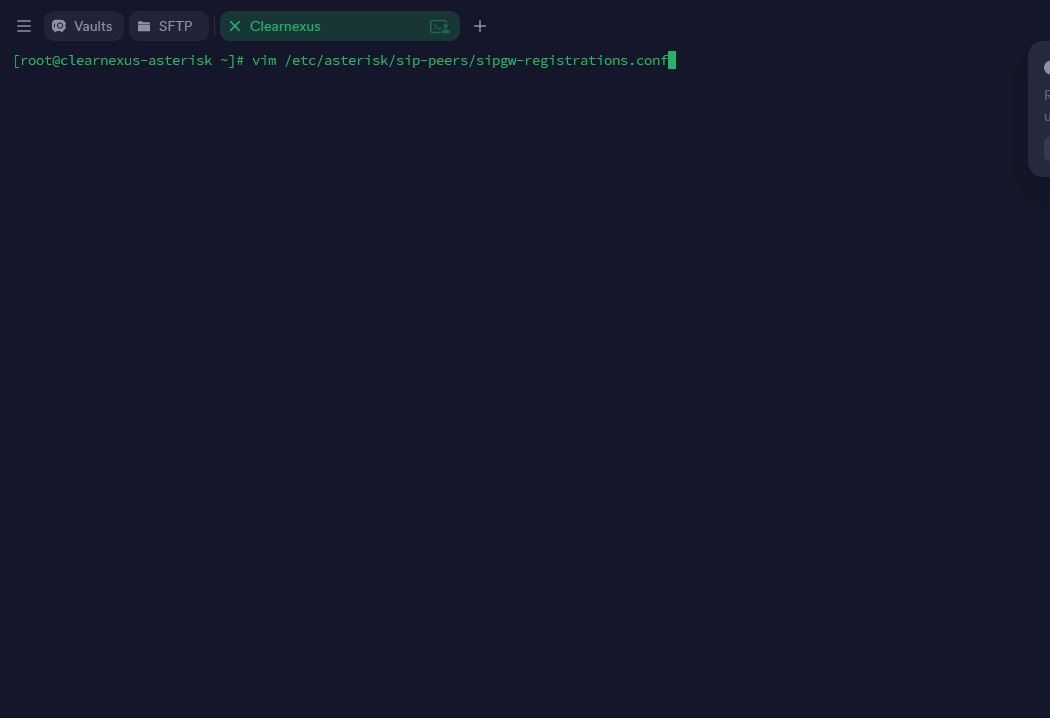
yaOnce queinside, entrasteyou tewill saldransee todosall losthe registrosregistration querecords sethat anhave echobeen dentrocreated delwithin sistemathe ensystem esaat rutathat ypath. hayThere dosare opcionestwo quepossible puedesactions haceryou lacan premeratake:
-
laPress
letratheI“I”ykey.saltaTheenwordla“INSERT”partewillinferiorappearlaatpalabratheINSERTbottomconoflathecualscreen,deberasallowingagregaryoulostoregistrosaddtalthecualregistrationlosentriesarmasteexactlyenaslatheyextencion,wereyconfiguredparainpoderthesalirextension.tendras -
precionarTo
laexitteclainsertescmode,dondepressalthehacerlo“Esc”sekey.quitaraThelawordpalabra“INSERT”INSERTwillendisappear,eseindicatingmomentothatpodrasyousalircandenowesaexitrutathedefile.la
To podersave saliryour tendraschanges queand escribirexit the terminal path, type the following command:
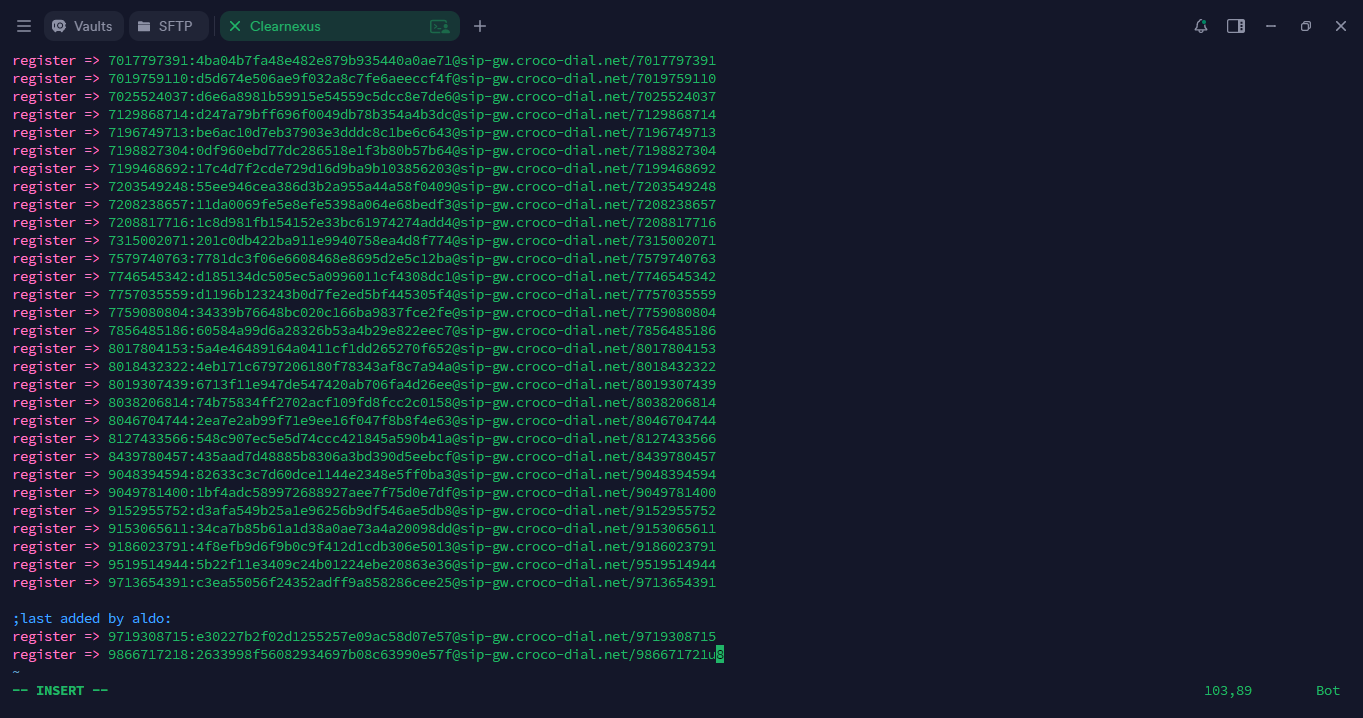
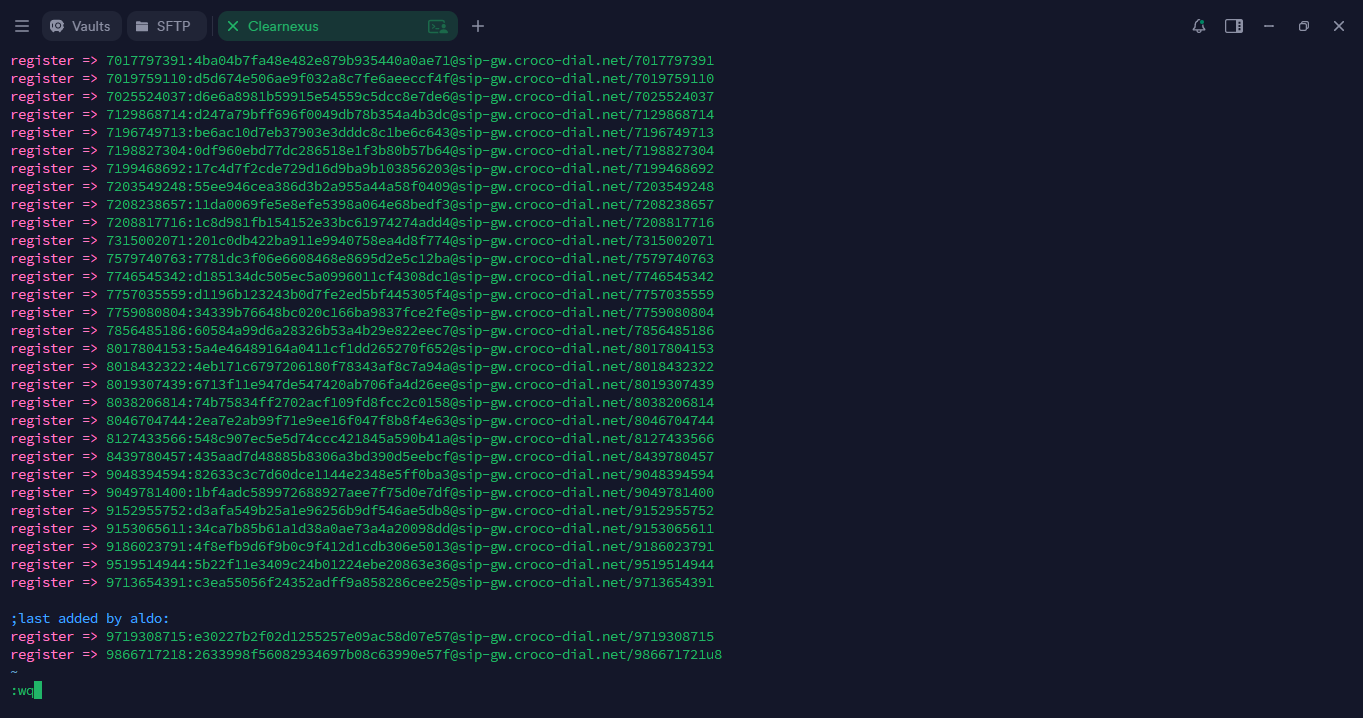
yaOnce estandoback deat regresothe almain inicioterminal, tendrasyou quewill revisarneed queto severify allanthat agregadothe bienDIDs loshave DIDsbeen yadded paracorrectly. esoTo tendrasdo quethis, meterteyou almust asterisk,access paraAsterisk esoby tendrastyping quethe escribirfollowing elcommand lain the terminal:
To confirm that you are inside Asterisk, the terminal laprompt palabrashould rasterisk,now ydisplay:
Next, verificaryou quewill check the registration lists to ensure there are no seduplicates repitanand yto diferenciardistinguish losthe nuevosnewly deadded losentries viejos,from tendrasthe queexisting ponerones. esteEnter codigothe enfollowing lacommand:
Please note that the lists may not have been updated yet—this initial check is only to compare existing and new entries. To update the lists, run the following command:
This will refresh the list with the newly added numbers. Then, run the previous command again:
Now verify that the numbers you added appear correctly and that the DIDs are being processed properly.
In the Terminus terminal, locate the subcategories named dnsmgr and refresh state.
All entries under these sections must display the letter Y and show registrythe perostatus tienesRegistered.
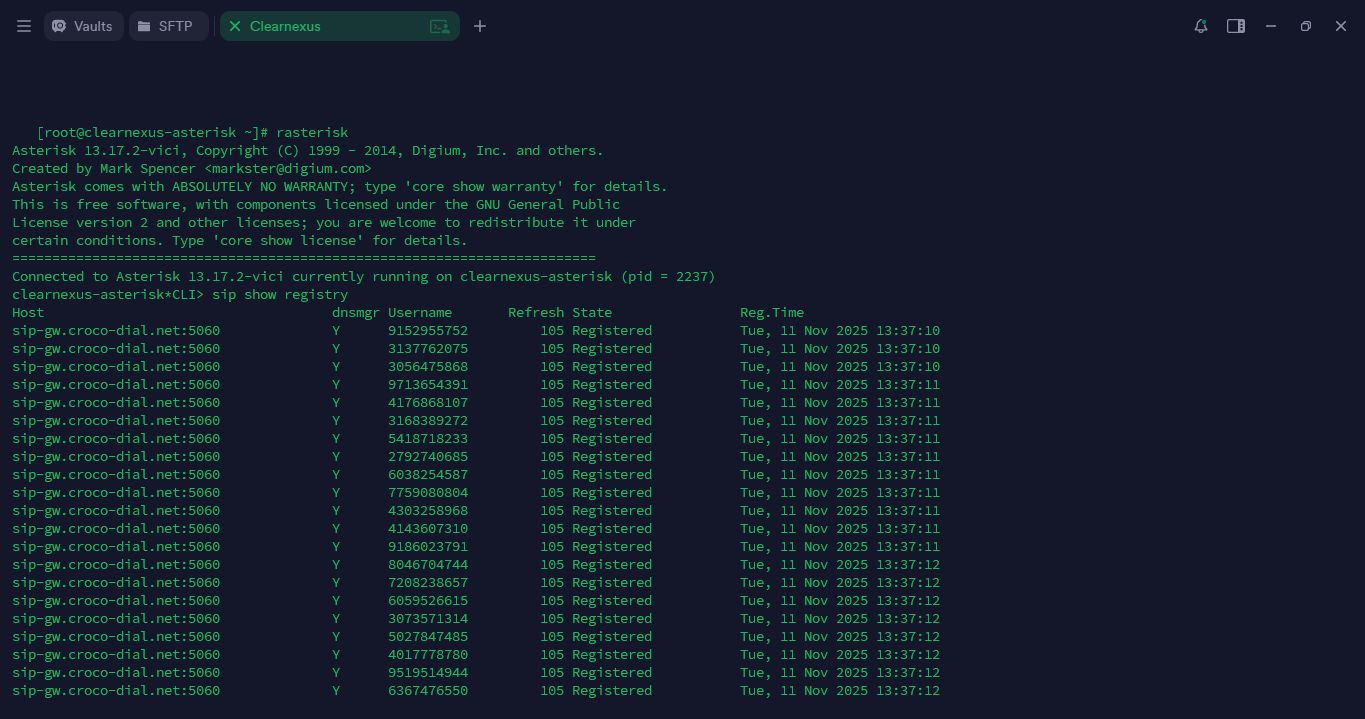
To definalize quethe lasprocess, listasyou nowill seneed anto actualizadoaccess todathe viaEMMA asiplatform, quewhere estoall solothe sirvenumbers parayou diferenciarhave asiregistered queshould tendras que poner este codigo para actualizar las lisatas: sip reload de esta manera actualizaras las listas con los numeros recien agregados vulve a poner el codigo: sip show registry y ahora tendras que verificar que los numero s que agregaste esten ya incluidos, tendras que verificar que eten pasando bien los DIDs, en la terminal de Terminus y tienes que ubicar las subcategorias que se llaman dnsmgr y refresh state, en donde todos tienen que estar con la letra Y y estar en el estado registrado. appear.
Once logged in, follow these steps: