Monitoring Overview
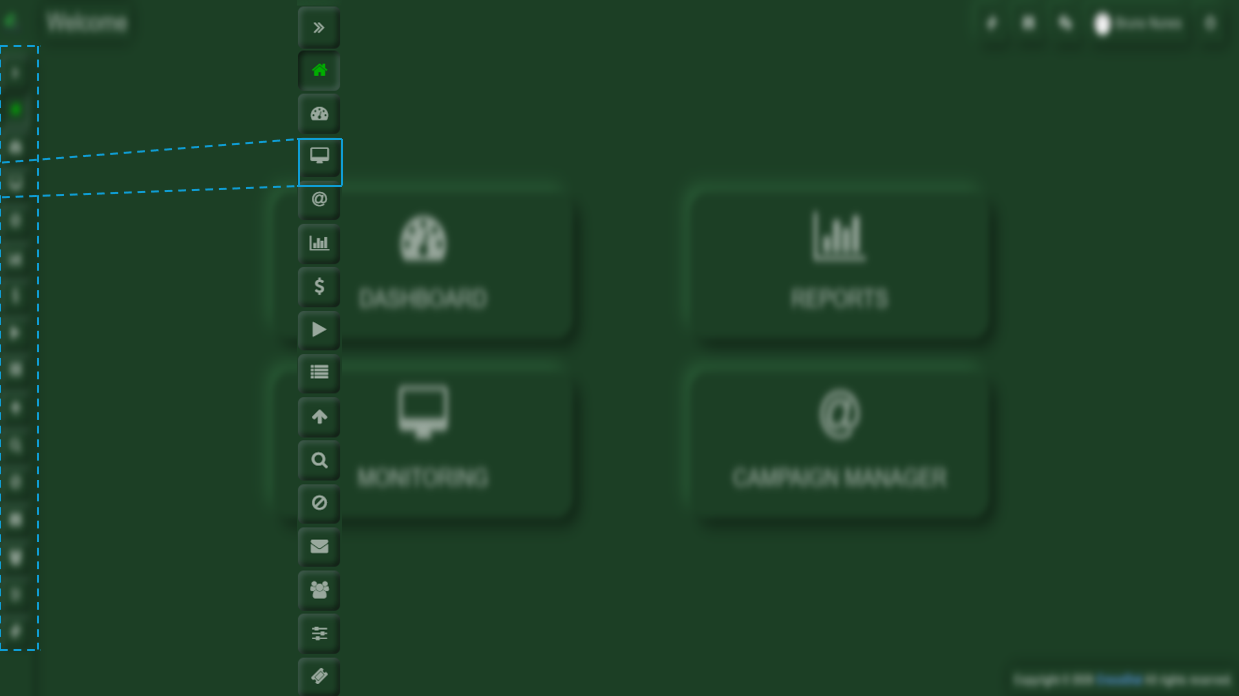
DefineFirst, you will need to go to the scopeMonitoring andsection purposelocated in the left-hand menu bar.
At first glance, you will find several sections, for example:
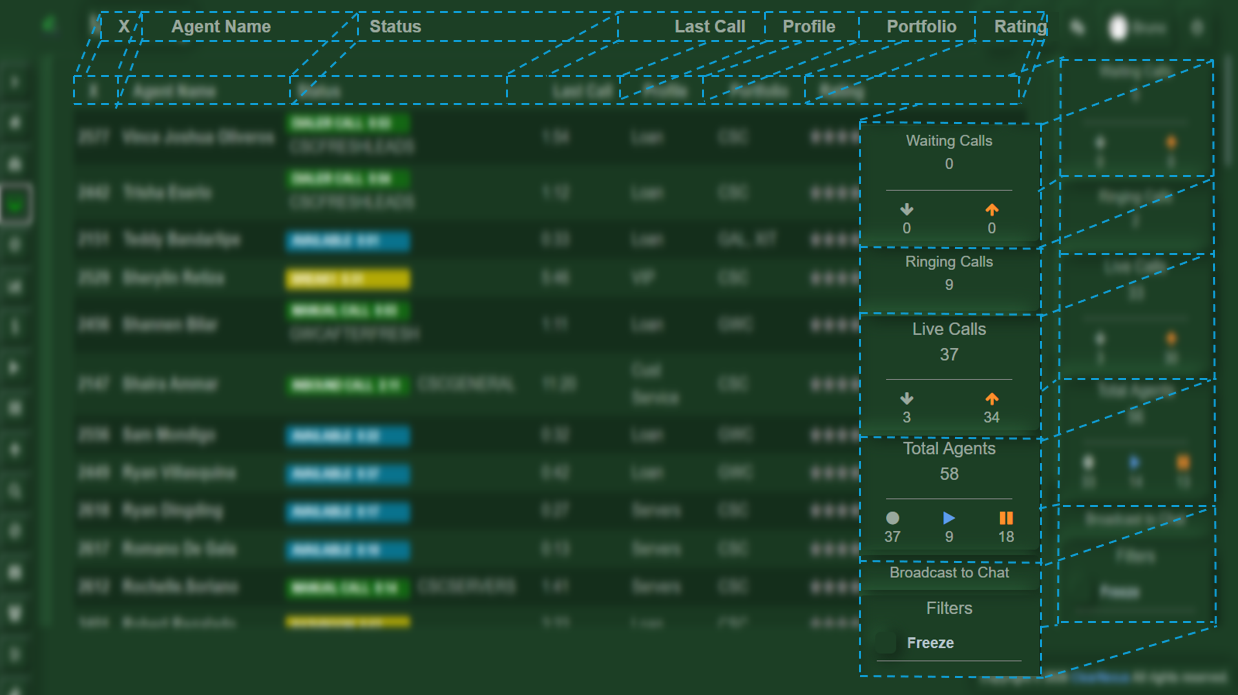
- X (Extension):
Represents the extension number ofmonitoring:each- agent.
TrackAgent Name:
Displays the name of the agentavailabilitycurrentlyandlogged into the system.- Status:
Indicates what the agent is currently doing, such as available, on break, in a manual call, or on an active call. - Last Time:
Shows the amount of time the agent has been in their current status. - Profile:
Displays the current profile assigned to the agent. - Portfolio:
Shows the portfolio(s) assigned to each agent. - Rating:
Displays the agent’s performance rating. - Waiting Calls:
Lists the calls that are currently waiting to be answered. - Ringing Calls:
Displays the calls that are currently ringing. - Live Calls:
Shows the calls that are currently in progress. - Total Agents:
Displays the number of agents who are on a call, on break, or available to take a new call. - Filter:
Allows you to freeze the agent view to stop real-time updates, making it easier to review information. It also lets you apply specific filters to display only the data you need. Ensure