
Login & Setup
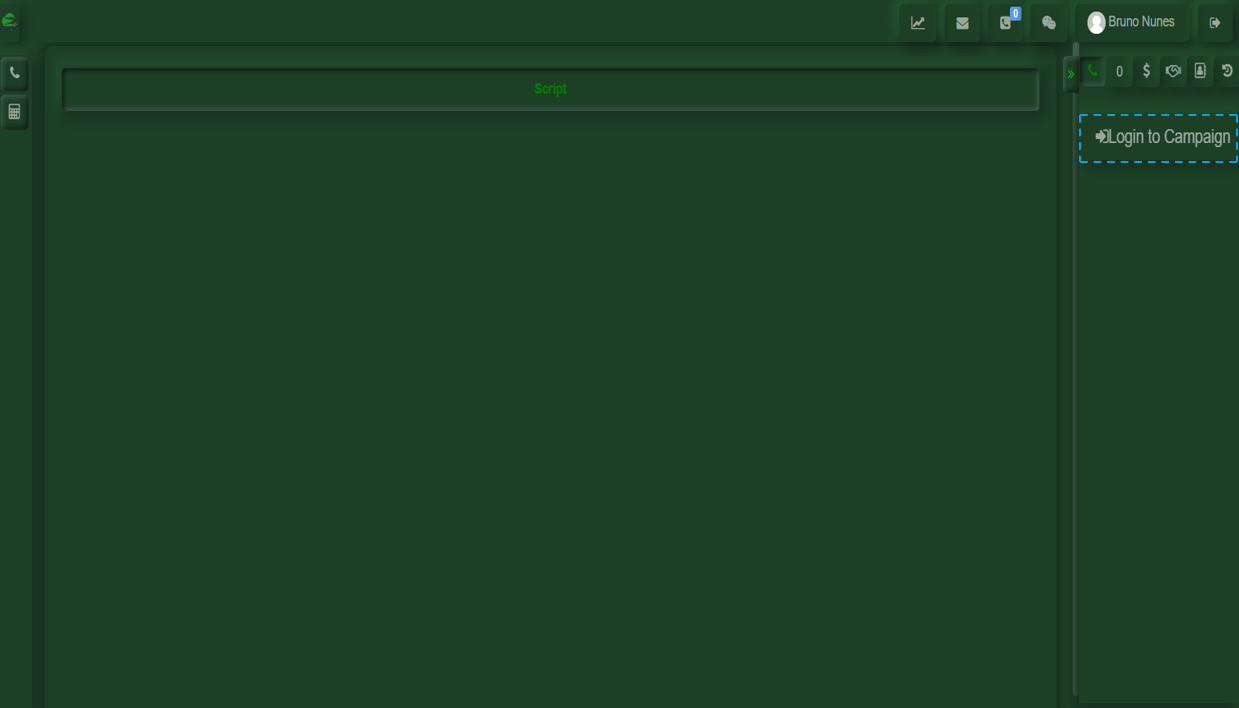
After logging in, you will need to log into the campaign that has been previously assigned to you by a supervisor. If the assigned campaign is not correct, please notify your supervisor.
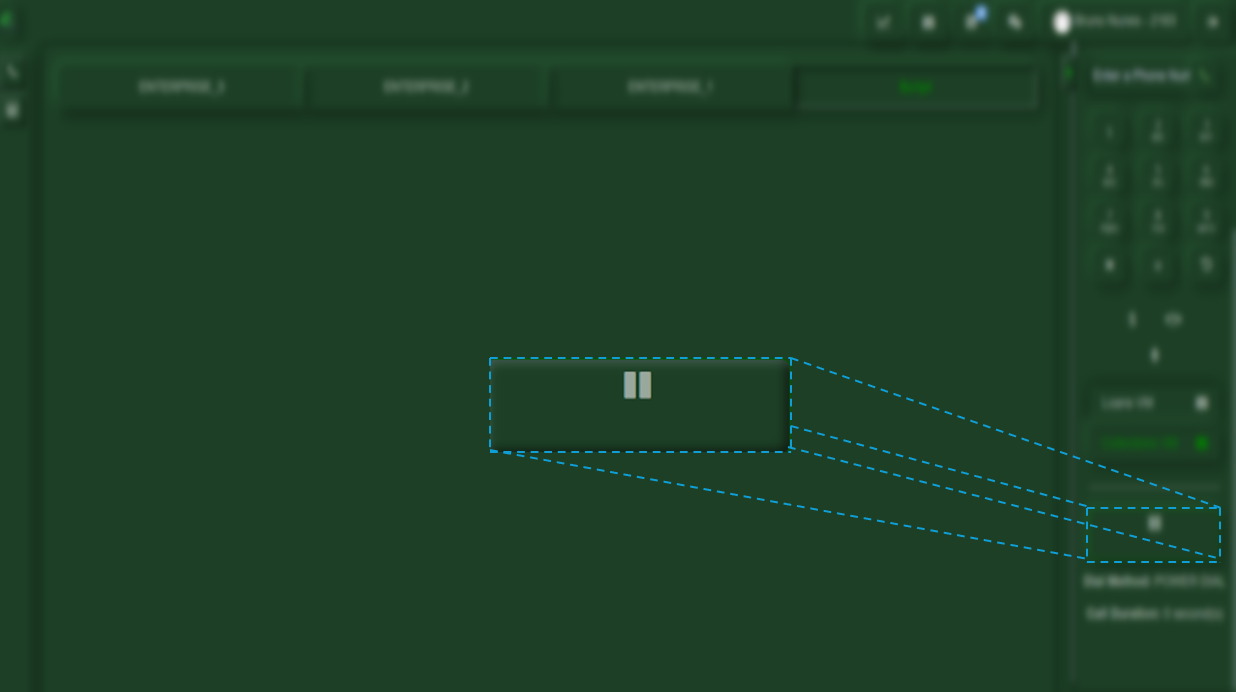
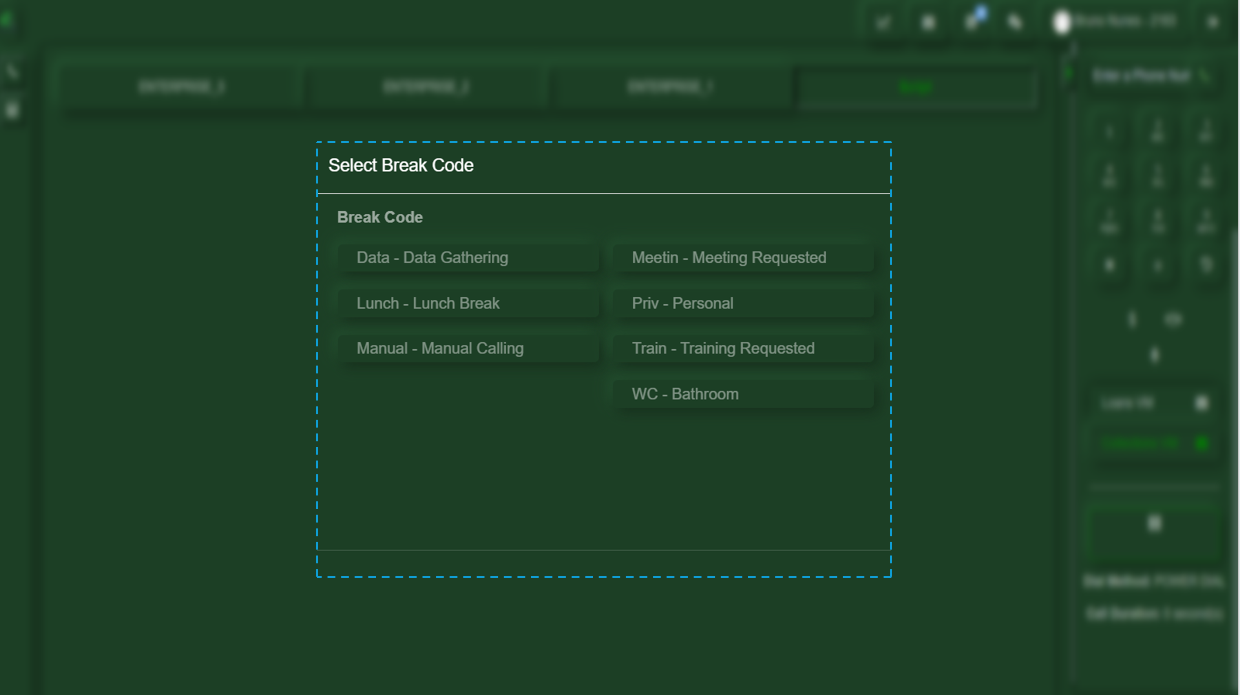
If you are ready to start receiving calls, you only need to press the Play button. If you need to pause for a break or any other reason that requires you to stop receiving calls, simply scroll down slightly on the screen and select the Pause button. Upon clicking it, a menu will appear where you must select the reason for your break.

No Comments