Skip to main content
View All
Search
Shelves
Books
Log in
Info
Content
Books
Supervisor Interface
Campaigns
Delete Campaigns
Delete Campaigns
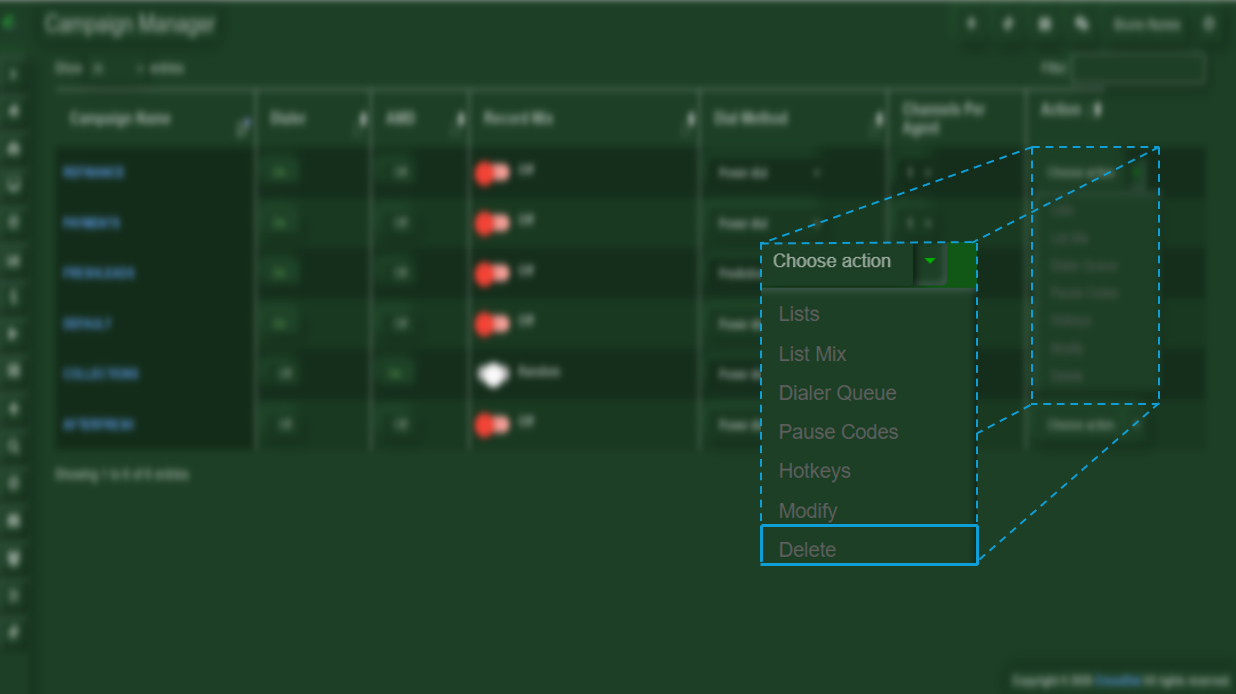
To delete a campaign, you only need to select the
Action
menu and choose the
Delete
option.
Enter section select mode
Previous
Edit Campaign
Next
How to Pause a Campaign
No Comments
Back to top

No Comments